
It depends on what you plug in, not on the hub
The honest answer is that a powered hub is not automatically the better buy. What decides it is the power your devices ask for, measured against the power your hub can hand out. Get that balance right and a simple unpowered hub is all you will ever need; get it wrong and no amount of ports will save you.
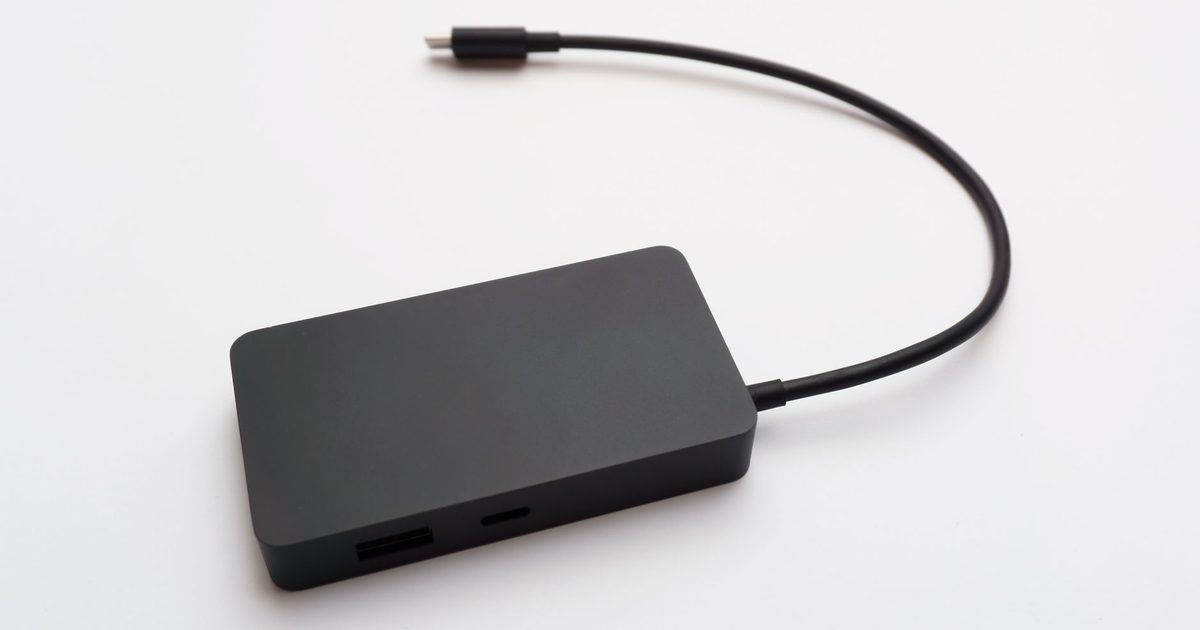
An unpowered hub, the sort that comes as a single small block with one cable, is what the specifications call bus-powered. Anker puts it plainly: "bus-powered means that the USB hub takes power from your PC or laptop to operate". Everything you plug in is sharing the budget of that one upstream port. Wikipedia's USB hub article describes how small that budget is, noting that "a USB's electric current is allocated in units of 100 mA up to a maximum total of 500 mA per port". That 500 mA is the classic USB baseline, and a modern USB-C hub can draw more than that, but the principle holds either way: a bus-powered hub has only the one upstream port's supply to divide. A powered hub sidesteps the problem by bringing its own mains adapter, which as UGREEN describes "supply[s] electricity to connected devices" directly rather than leaning on the computer, so it "can therefore provide full power (up to 500 mA) to every port", in Wikipedia's words.
When a bus-powered hub is all you need
Most people reaching for a hub are adding the undemanding things, and those sit comfortably inside the shared budget. Anker is clear that "a powered USB hub is not needed when you only need the extension to connect low-power peripherals such as USB flash drives, keyboards, mice, or game controllers". CMD's advice centre draws the same line, listing "keyboards, mice, and USB flash drives" as the low-power accessories an unpowered hub is made for.
If that describes your desk, a keyboard, a mouse, a flash drive now and then, maybe a wired controller, then the extra cost and the extra cable of a powered model buy you nothing. The small block that draws its power from the laptop is the right tool, and it keeps your bag lighter when you travel.
When you actually need the mains adapter
The picture changes the moment something hungry joins the chain. A portable hard drive spins up off USB power and pulls far more than a keyboard ever will; run two or three at once, or add a printer or a scanner, and the single upstream port simply cannot stretch to cover them. Anker gives the clearest example: if "you need to connect multiple external hard drives to your PC at once to perform a lot of data transfer work", then "you will need a powered USB hub", because "external hard drives require more power than keyboards and mice". UGREEN points at the same culprits, naming "external hard drives, printers, and scanners" as the high-power devices that want a powered hub, and CMD adds "monitors" to that list.
This is where the mains adapter pays for itself. Instead of carving one port's allowance between everything, a powered hub feeds each port properly, which is exactly what a spinning drive or a printer needs to behave. If your plans involve a desk of storage or anything with a motor in it, buy the powered version from the start and save yourself the troubleshooting.
How to tell your hub has run out of power
You rarely get a clear warning light. Instead the devices themselves misbehave, and the pattern is recognisable once you know to look for it. CMD describes it well: when "too many power-demanding devices are connected to an unpowered hub", the result is "devices failing to operate correctly, frequent disconnections, or reduced performance". A drive that mounts then vanishes, a device that works alone but drops out when a second one is plugged in, a phone that charges painfully slowly through the hub, these are all the same story of a budget stretched too thin. Wikipedia notes that the computer often tells you outright, since "if a device requires more units of current than the port it is plugged into is able to supply, the operating system usually reports this to the user".
If you see any of that, you have two honest options. Move the greedy device off the hub and onto a port on the computer itself, which hands it a full allowance again, or step up to a powered hub so every port has its own supply. Adding yet another unpowered hub in the chain only splits the same budget further and makes things worse.
If you are choosing a hub now
Once you know which camp you are in, picking the hardware is the easy part. Our best USB-C hub guide covers the models worth considering, powered and bus-powered alike, and flags which ones ship with their own adapter. And if you are not even sure a hub is the right box at all, as opposed to a full docking station with more ports and its own power built in, our hub versus docking station explainer is the place to start.
FAQ
Q: Do I need a powered USB hub? A: Only if you plug in power-hungry devices. An unpowered, bus-powered hub shares one upstream port's budget, which Wikipedia describes as current allocated in units of 100 mA up to 500 mA per port, and that is ample for low-draw peripherals. Anker says a powered hub "is not needed" for flash drives, keyboards, mice or game controllers. Add external hard drives, printers or scanners and you want the mains adapter, because those draw more than the shared budget can spare.
Q: What is the difference between a powered and an unpowered USB hub? A: An unpowered hub is bus-powered, meaning, as Anker puts it, "the USB hub takes power from your PC or laptop to operate", so everything connected shares that one port's supply. A powered hub, in UGREEN's description, "uses its own external power adapter to supply electricity to connected devices", which lets it give full power to every port rather than dividing one allowance between them.
Q: How do I know if my USB hub is not getting enough power? A: The devices tell you. CMD describes the symptoms as "devices failing to operate correctly, frequent disconnections, or reduced performance", and Wikipedia notes the operating system usually reports the shortfall too. A drive that keeps dropping out, a device that fails only when another is plugged in, or very slow charging are the usual signs.
Q: Can I just add another unpowered hub to get more power? A: No. Chaining a second bus-powered hub splits the same single port's budget even further, so it tends to make the disconnections worse rather than better. The fixes are to move the demanding device to a port on the computer itself or to use a powered hub that supplies each port directly.
Q: Will a powered hub charge my devices faster? A: It can give a device its full share of power where an overloaded unpowered hub could not, so a device that was charging slowly through a stretched hub may improve. It is not a fast charger in its own right, though. For proper fast charging, the device's own charger or a dedicated charging port is still the better route.