
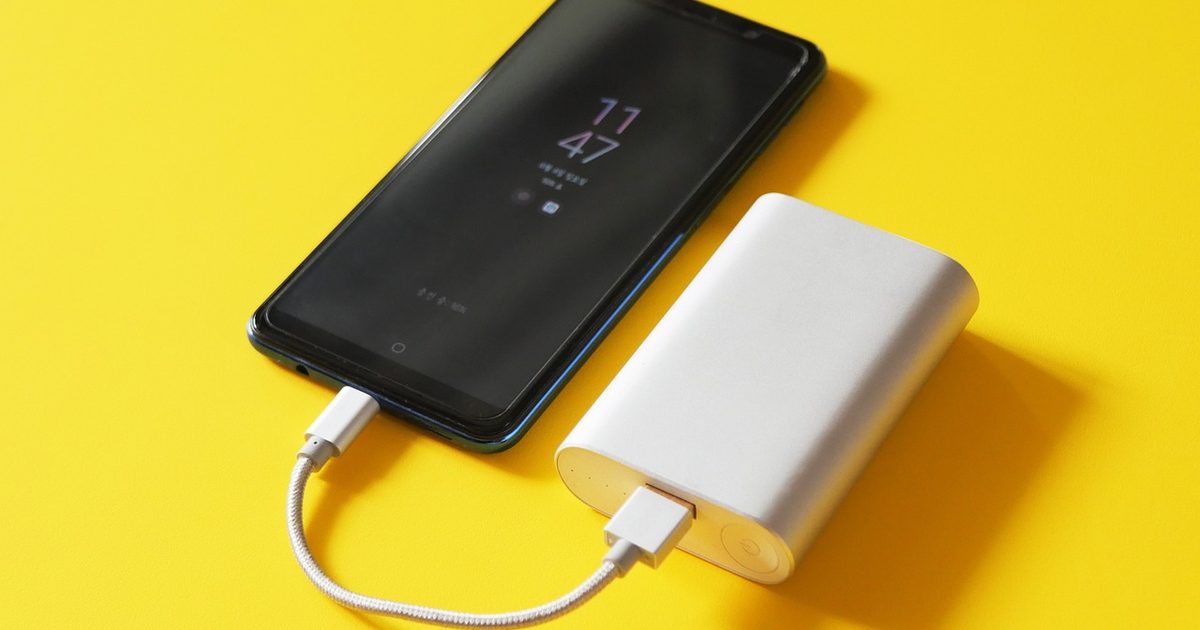
It reads a tiny current draw as nothing plugged in
This is designed behaviour, not a fault. Small loads such as earbuds cases, fitness bands and smart rings draw little enough to trigger it. Anker gives the line for its own banks: connected devices have to "draw at least 30-90mA to continue operation", and below that the output switches off.
The fix is low-current (trickle) mode
Anker calls its version Trickle Charging Mode, "specifically designed for low-power consumption devices, such as earbuds, Bluetooth earphones, and smart wearable rings". You "double-press the power button" to toggle it, and it gives "a regulated, low-current output (less than 0.5A)". Huawei's banks work the same way: "double-press the button to enter low-current charging mode" to charge "low-power devices, such as a band or Bluetooth earphones", then press again to exit.
Other brands use other names and button patterns, so look for the step in your own bank's manual.
When it will not charge anything at all
If the bank also dies on a phone, the low-current cut-out isn't the cause. Check these, quickest first:
- Recharge the bank. It may simply be flat.
- Swap the cable for one you know works. A worn or damaged cable shows up as charging that starts and stops, or never begins, which looks just like a dead bank.
- Look into both ports. A loose port, or one packed with pocket lint, breaks the connection.
What to check before you buy one
If you top up earbuds or a fitness band from a pocket bank, make sure the listing or manual mentions a low-current or trickle mode before you buy, not after. Our best 20000mAh power bank guide compares everyday wired banks.
FAQ
Q: What if my power bank has no low-current mode? A: Then nothing in its settings will stop it cutting out on small loads. Charge earbuds or a band from a wall charger instead.
Q: Will it keep my earbuds topped up overnight? A: Not necessarily. Anker's trickle mode "automatically turns off after 2 hours if no interaction occurs", so a bank in low-current mode can stop before morning even when it's working correctly. Check your own bank's manual for its timer.