
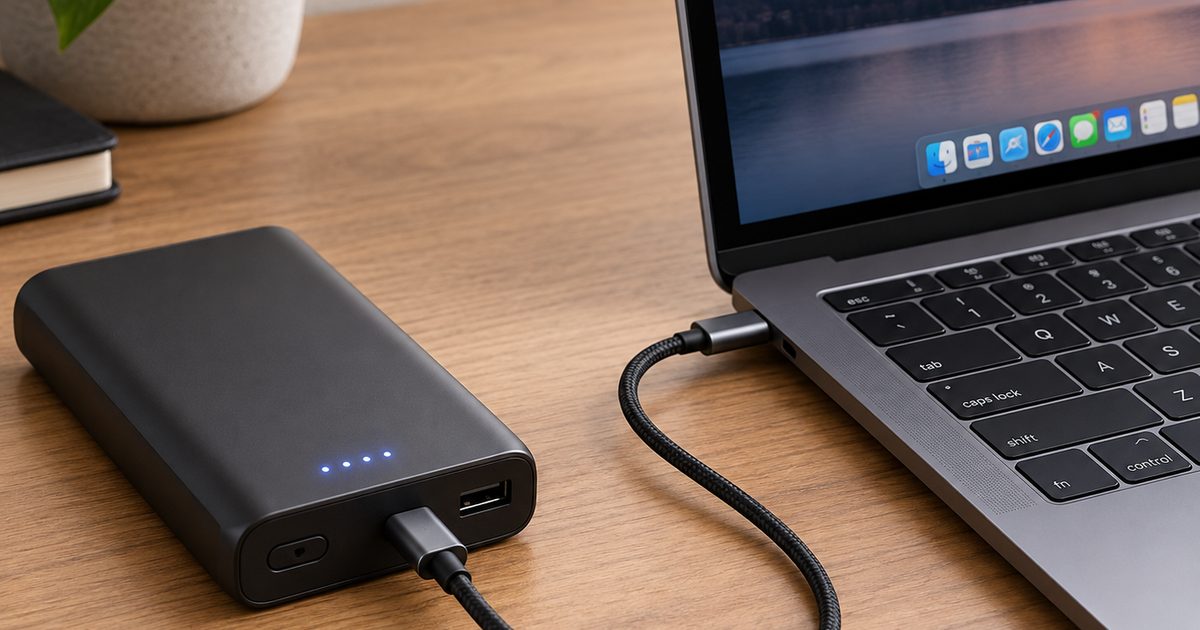
What has to line up for it to work
The laptop's own charging port has to take its power over USB-C, the same reversible connector a phone uses. The bank's side of the deal is USB-C Power Delivery, usually shortened to PD: the handshake that lets a charger and a device agree on a higher voltage, which is what carries laptop wattage. Anker's UK guide says a bank works "as long as the power bank supports USB-C Power Delivery (PD) and matches your laptop's power requirements".
The wattage your laptop asks for
Anker gives the range in volts and amps: "30W (20V/1.5A)" for "something like a MacBook Air", up to "100W (20V/5A) to power up quickly and efficiently". Apple's spec page lists a "35W Dual USB-C Port Power Adapter" for the 15-inch MacBook Air. The figure to match is the wattage printed on your laptop's own charger.
Why a phone power bank stalls a laptop
Owning a power bank already doesn't mean it will run a laptop. Anker's guide spells out why: "Most older power banks only support basic USB output, typically 5V/2A (10W) or maybe 9V/2A (18W). That's fine for phones, but not nearly enough to power up a laptop."
How to read the label before you buy
Look for two things on the box. First, "USB-C Power Delivery" or "USB-C PD" named on the port, not just "USB-C output". Second, a wattage on that PD port at least as high as your laptop's charger.
Capacity comes after wattage. Anker's guide suggests a bank with "sufficient capacity (usually 20,000mAh or more)" for a laptop.
When a power bank can't help
If your laptop charges through a barrel plug rather than a USB-C port, an ordinary power bank has nowhere to plug in. Anker's fix: "You'll need a power bank designed specifically with an AC outlet or a DC barrel output that matches your laptop's voltage."
Which bank actually works
Our best power banks for laptops guide is the shortlist for this job. If you mostly want one high-capacity all-rounder, our 20,000mAh power bank guide covers what to check when a laptop is the thing you charge, and our power banks for long flights guide adds the airline watt-hour side of travelling with one.
FAQ
Q: Will a higher-wattage bank charge a MacBook Air faster? A: It can. Apple's MacBook Air spec page says "fast-charge capable with 70W or higher USB PD power source", so a bank with a 70W or higher PD port can fast-charge it.