
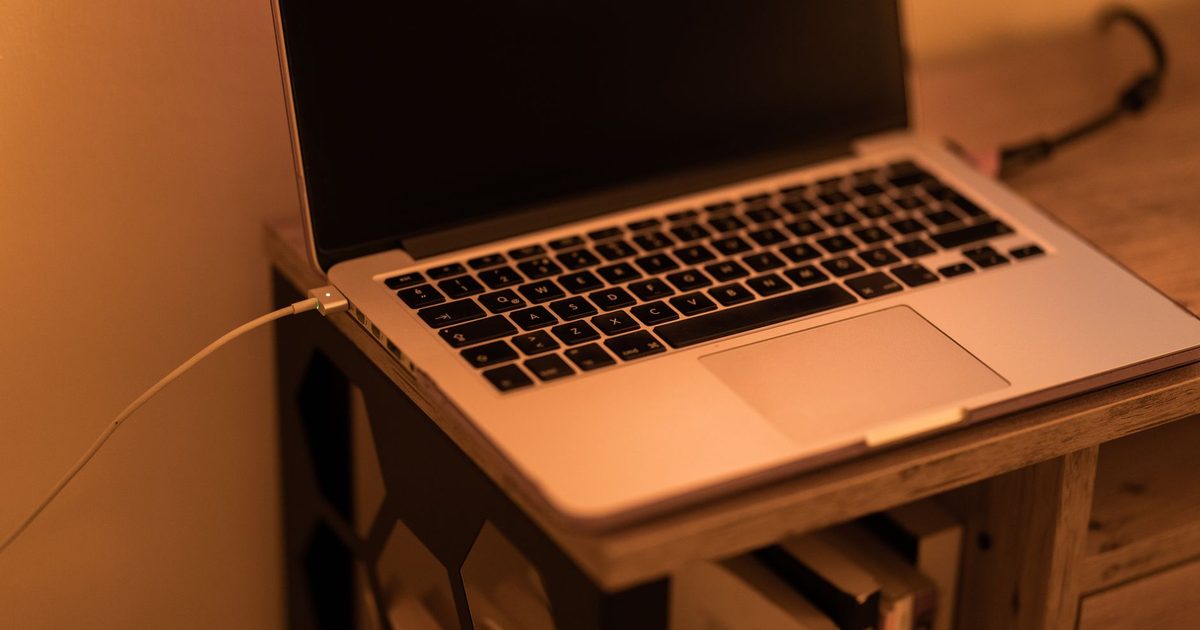
Start with the port, not the charger
When a laptop ignores a USB-C charger, the quickest win is to rule out something people skip: whether the port itself is a charging port. On many laptops it is not. A USB-C socket can carry data, video or power in any combination, and the manufacturer decides which. Dell spells the distinction out on its support site: a port marked with a "D" logo "supports data transferring, video output, and power delivery", while a port marked with a SuperSpeed (SS) logo "only supports data transferring". Plug a charger into that second kind and nothing happens, however good the charger is.
So the first move is to look before swapping any gear. Find the small icon printed or embossed beside each USB-C port and favour the one marked for power, or check your laptop's spec page for which port charges. The tell is a laptop that charges happily from one socket and ignores another that looks identical. If that is you, the fix costs nothing: use the right port.
Is the charger strong enough?
Once you are in a charging port, the next question is whether the charger can actually feed the laptop. USB-C charging runs on a standard called USB Power Delivery, and the charger has to support it. Apple puts the baseline plainly for its own machines: "If your Mac uses USB-C to charge, you can charge your Mac laptop with any USB-C power adapter or display that supports USB Power Delivery (USB PD)", but "for the best charging experience, use a power adapter or display that provides at least the minimum wattage of the power adapter recommended for your Mac". The same logic holds for any USB-C laptop: each one has a rated power requirement, and a charger below it struggles.
This is where the most confusing symptom comes from. An underpowered charger does not always fail outright; it often charges the laptop while it is asleep or switched off, then loses ground the moment you start working. PCWorld describes exactly this: "If you're trying to power your laptop that normally runs on a 65-watt charger with a 15- or 20-watt phone charger, there's a good chance the laptop won't actually charge while it's being used". If your battery creeps up overnight but drains during the day on the same charger, you are short on watts, not broken.
The cable has a rating too
A charger of the right wattage can still be let down by the cable between it and the laptop, and this one catches a lot of people. USB-C cables are not all equal: some carry only data, some are built for low-power phone charging, and only the higher-rated ones move serious laptop wattage. Anker, which makes a lot of them, lists the range plainly: "Currently, we have four types of USB-C to USB-C cables: A 60W charging speed, a 100W charging speed, a 140W charging speed and a 240W charging speed". A thin cable that came bundled with a pair of earbuds may top out well below what your laptop needs, so the laptop either charges slowly or not at all.
The safe habit is to use the cable that came with the laptop's charger, or one rated for at least the wattage you need. If you are not sure which cable is which, our fast-charging cable guide covers what the ratings mean and which cables carry full laptop power.
When it is the port, the cable, or the laptop itself
If the port charges, the charger has the watts and the cable is rated for the job, and it still will not charge, start swapping one thing at a time. Try a charger and cable you know work on another device, in the port you know should charge. That isolates the fault quickly: if a known-good charger and cable fail in a known-good port, the trouble has moved to the hardware. Before you accept that, rule out the cheapest cause of all. PCWorld's advice is to "look at the plug as well as the receptacles on your device for foreign debris or damage under a good light and perhaps with a magnifying glass", because lint packed into a USB-C socket stops the connector seating properly. A careful clean with the laptop switched off, then a firm reseat, fixes more dead ports than people expect.
Work through it in that order, port then charger then cable then a physical check, and you will usually land on the answer without buying anything. When you do need to replace something, replace the part the test pointed at, not all of it at once.
If you are buying a charger or cable now
If the test tells you the charger is the weak link, the thing to get right is wattage: match or beat what your laptop asks for. Our 100W GaN charger guide covers chargers with enough headroom for most laptops, and if charge speed matters to you as much as the fact that it charges at all, our PD versus PPS explainer sorts out the protocol side of why two chargers of the same wattage can behave differently. If the cable is the weak link, the fast-charging cable guide above is the place to start.
FAQ
Q: Why does my laptop charge when it's off but not when I'm using it? A: That is the classic sign of an underpowered charger. The laptop draws more power while you work than the charger can supply, so the battery holds or drops instead of filling. PCWorld gives the example of running a laptop that wants a 65-watt charger from a 15 or 20-watt phone charger: it "won't actually charge while it's being used". Match the charger to your laptop's wattage and the symptom goes away.
Q: Do all USB-C ports charge a laptop? A: No. A USB-C port can be built for data, video, power or any mix, and the maker decides. Dell notes that a port with a "D" logo "supports data transferring, video output, and power delivery" while one with a SuperSpeed (SS) logo "only supports data transferring". Check the icon beside the port, or the laptop's spec page, and use the port marked for power.
Q: Can any USB-C cable charge my laptop? A: Not reliably. USB-C cables carry different amounts of power, and a data-only or low-rated cable will cap or block charging. Anker, for one, makes its USB-C to USB-C cables in 60W, 100W, 140W and 240W versions. The cable in the charger's box is the safe default; a thin spare borrowed from a phone or a pair of earbuds often is not.
Q: My USB-C charger works on my phone but not my laptop. Why? A: A phone charger is usually fine for a phone's modest draw but far below a laptop's. If it supports USB Power Delivery it may trickle a little in, but it will not keep a working laptop charged. Apple's guidance is to use an adapter that provides at least the minimum wattage recommended for the machine, and a laptop needs a laptop-class charger.
Q: How do I know whether it's the port, the cable, or the laptop? A: Swap one thing at a time. Put a charger and cable you know are good into the port that should charge. If it charges, the fault was in the part you replaced. If a known-good charger and cable still do nothing in a charging port, and the port is clean and free of debris, the problem is likely the port or the laptop's charging circuit, which is the point to seek a repair.