
Explainer • 2026

Does A USB-C Ethernet Adapter Slow Your Internet

Plain English • No sponsored placements
Written and checked by the Simple Product Picks team · last updated September 2026
✓ Plain-English explainer ✓ No sponsored placements
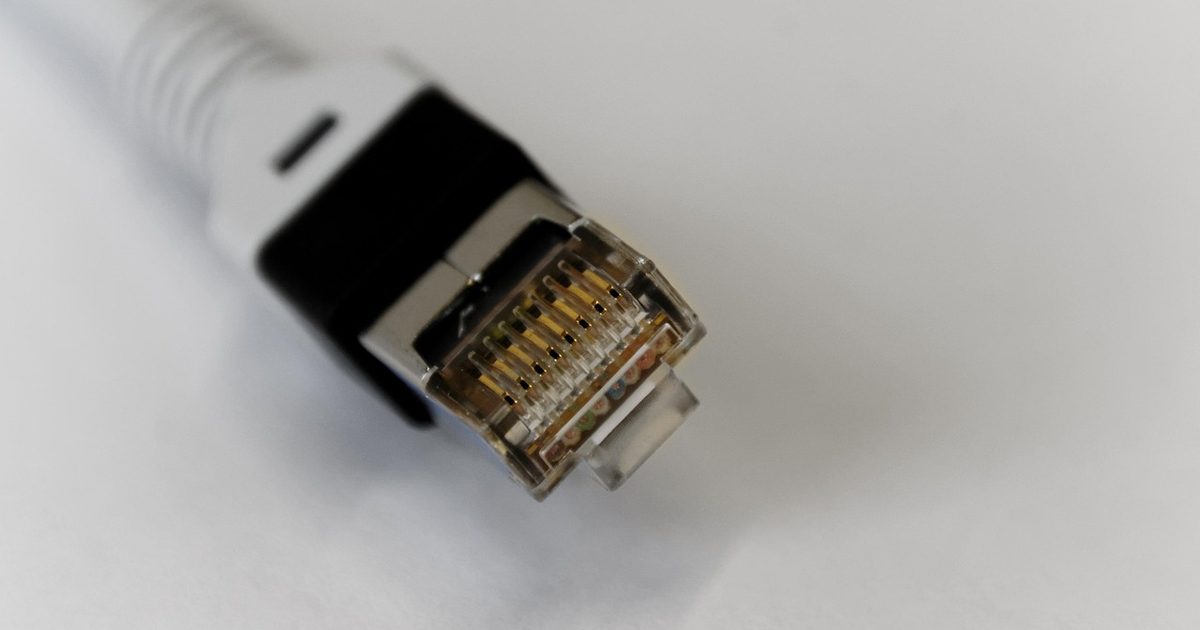
a shielded ethernet cable connector with gold contacts on a white background

The short answerA USB-C Ethernet adapter does not slow your internet unless its speed class sits below your line. A gigabit adapter carries up to 1000 Mbit/s, and a typical home broadband line is a fraction of that: in the UK, for instance, Ofcom's Connected Nations 2025 report put the average maximum download speed at 285 Mbit/s, well under a third of gigabit, so on almost every line the adapter has headroom to spare. The ceiling that actually bites is the USB port behind the adapter, because USB-IF rates USB 2.0 (its "Hi-Speed USB") at 480 Mb/s, below gigabit, which is why an adapter sitting in an older USB 2.0 port can read slower on a speed test than its box promises. What a wired link changes even at the same speed is consistency, with no contention and far fewer dropouts, and that matters more for calls and games than the headline number.

The three ceilings that decide your wired speed

A USB-C Ethernet adapter is a bridge, not a bottleneck by nature. What limits the speed you actually get is whichever of three ceilings sits lowest: the broadband line coming into your home, the speed class the adapter is built for, and the USB port you plug it into. An adapter only "slows" your connection when one of those three sits below your line, and for most people none of them does.

The mistake in the question is assuming the adapter adds a tax on top of your broadband. It does not. It hands your device the wired signal at whatever speed the slowest link in that short chain allows, and on an ordinary home connection that slowest link is almost always the broadband line itself, sitting well upstream of the little dongle on the end of the cable.

What a home line actually runs at

Start with the ceiling that usually decides everything. A gigabit adapter, the most common kind, carries up to 1000 Mbit/s. Home broadband is nowhere near that on average. For the UK, Ofcom's Connected Nations 2025 report, published in November 2025, put the average maximum download speed at 285 Mbit/s, up from 223 Mbit/s the year before. That is the average of the fastest speeds homes can buy, and it is still under a third of what a gigabit adapter can pass. The speed a given home receives day to day is typically lower again.

So on a 100, 200 or 500 Mbit/s line, a gigabit adapter has headroom to spare and cannot be your limiting factor. It will deliver every megabit the line gives you and sit idle the rest of the time. This is why "does it slow my internet" almost always has the same answer: no, because your line is the slower thing.

The ceiling people miss: the USB port

Here is the part the speed-class debate skips. An adapter's box might promise gigabit, but the adapter can only run as fast as the USB port behind it, and not all USB-C ports are quick. USB-IF, which owns the standard, rates the older USB 2.0, its "Hi-Speed USB", at 480 Mb/s. That is below gigabit. Plug a gigabit adapter into a USB 2.0 port, or into a cheap hub whose upstream link is only USB 2.0, and 480 Mb/s is the most it can ever carry, no matter what the adapter is rated for.

The faster ports remove the problem entirely. USB-IF's SuperSpeed tier, USB 3.2, starts at 5 Gbps and climbs to 10 and 20, all comfortably above gigabit, so a 2.5G or 5G adapter needs one of these to hit its numbers. So if a wired connection reads far slower than your line on a speed test, suspect the port before the adapter. A USB-C port that a flash drive works quickly from is a data port with the speed to spare; a port that only trickle-charges, or an unpowered bargain hub, is where gigabit quietly becomes 480.

When 2.5G or 5G is actually worth it

On most lines the extra speed class is money spent on headroom you will never reach. A faster adapter only pays back in two narrow cases: a full-fibre line that already tops a gigabit, or shifting big files between your own machines over a 2.5G-capable network. Both deserve a closer look than a wedge can give them, so our USB-C Ethernet adapter guide sorts the picks on exactly that Gigabit, 2.5G and 5G split. And if you would rather add Ethernet alongside HDMI and extra USB ports, a USB-C hub with Ethernet folds the wired connection into one dongle.

Why wired still wins even at the same speed

Suppose your Wi-Fi and your wired link both test at the same number. Wired still wins here, and bandwidth has nothing to do with it. A cable gives one device a dedicated path: no airtime shared with every other device in the house, no interference from walls or neighbours, and none of the brief drop-outs as a laptop hands off between the router and a mesh node.

That steadiness shows up as lower, more consistent latency, which is what a video call or an online game actually runs on, rather than the headline download figure. Wi-Fi gives that up to variability, not to a lower peak speed, which is why a wired link feels more solid even when a speed test says the two are level. If your desk needs more than a wired port, our USB-C hub guide is the place to work out which ports you actually use.

FAQ

Q: Does a USB-C Ethernet adapter slow your internet? A: No, not on a normal home line. A gigabit adapter carries up to 1000 Mbit/s, and Ofcom's most recent figure for the UK puts the average maximum download speed at 285 Mbit/s, so the adapter has headroom to spare and your broadband line is the slower link. An adapter only caps you if its speed class, or the USB port behind it, sits below your line.

Q: Why is my adapter slower than my broadband package? A: Usually the USB port behind it. A gigabit adapter in a USB 2.0 port is limited to that port's 480 Mb/s, below gigabit. Check that you are using a full-speed data port rather than a charge-only one or an unpowered budget hub, and use a Cat5e or better cable.

Q: Do I need a gigabit or a 2.5G adapter? A: Gigabit is enough unless your broadband already exceeds a gigabit, or you regularly shift big files between your own computers. In those two cases a 2.5G or 5G adapter pays off; otherwise it delivers the same real-world speed as gigabit on a slower line.

Q: Does the USB version really matter? A: Yes. USB-IF rates USB 2.0 at 480 Mb/s and USB 3.2 at 5 Gbps and above. A gigabit adapter can run at full speed from either, but a 2.5G or 5G adapter needs a USB 3.x port to reach its rating, and any adapter behind a USB 2.0 link is stuck at 480 Mb/s.

Q: Is wired really faster than Wi-Fi? A: At the same speed test result it is not faster on paper, but it is steadier. A cable removes the shared airtime, interference and hand-offs that make Wi-Fi vary, so latency stays low and consistent, which matters more than the peak number for calls and games.