
Updated picks • 2026

Best USB-C Ethernet Adapter for iPad 2026

Hand-picked • Honest comparisons • Affiliate links
Written and checked by the Simple Product Picks team · last updated September 2026
✓ Hand-picked ✓ Amazon affiliate links ✓ No sponsored placements
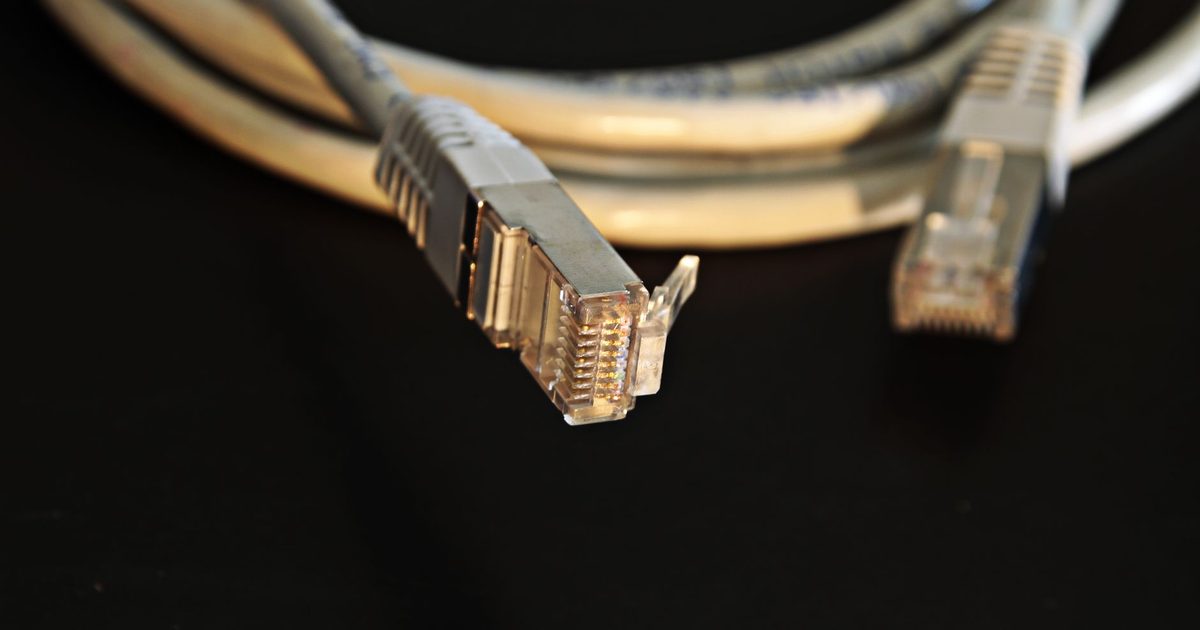
two ethernet cable connectors on a dark background

The short answerOur Best Overall pick is the Anker USB-C 3.0 to Gigabit Ethernet Adapter, 8.8/10. This is the one adapter here whose own Amazon listing names the iPad Pro, the one iPad fact this guide can quote. A cheaper option and a premium step-up follow below.

Quick comparison

Pick Model Our score Action
Best overall Anker USB-C 3.0 to Gigabit Ethernet Adapter 8.8 / 10 Check price on Amazon UK
Best budget UGREEN USB-C to Gigabit Ethernet Adapter 8.7 / 10 Check price on Amazon UK
Best premium Belkin USB-C to Gigabit Ethernet Adapter (USB-IF Certified) 8.5 / 10 Check price on Amazon UK

Wi-Fi stuttering during a big download or a video call on your iPad? If your iPad has a USB-C port, you can give it a wired connection with nothing more than a small adapter, and there is no app to install, no driver to find and no hub to carry. Apple's own support page lists "USB to Ethernet adapters" among the things the iPad's USB-C port connects to, so this is a supported setup, not a hack. This guide covers three adapters that do the job, explains why gigabit is all the speed an iPad needs, and shows the one case where you want a hub instead. If you are wiring a laptop or a NAS as well, our broader USB-C Ethernet adapter guide also covers the faster 2.5G and 5G classes.

Top picks

1. Anker USB-C 3.0 to Gigabit Ethernet Adapter - Best Overall

SPP Score: 8.8 / 10 - Gigabit wired Ethernet over USB-C, and the one listing here that names the iPad. Our all-round pick.

Capability 8.5/10 - Versatility 8.0/10 - Build 8.9/10 - Value 8.9/10 - Fit 9.4/10

Fit for this guide: This is the one adapter here whose own Amazon listing names the iPad Pro, the one iPad fact this guide can quote.

Every pick here is scored out of 10: four marks rate the product and are the same in every guide, and the fifth rates its fit for this guide - how we test and score.

We lead with the Anker because it is the pick that says "iPad" out loud. Its Amazon listing names the iPad Pro (2019 and 2018) alongside MacBook Pro and Chromebook, so you are not relying on guesswork for compatibility. Newer iPads are covered too, but by Apple's own statement that the USB-C port takes USB to Ethernet adapters rather than by Anker's title, and the setup is the same either way: plug the USB-C end into a data port on the iPad, run a cable from the RJ45 socket to your router, and iPadOS switches to the wired link on its own. It is plain gigabit, which is more than an iPad will ever draw from a home line, and the compact build shrugs off a life in a bag.

Pros

Cons

Who it's for: iPad owners who want a named-compatible, no-fuss wired connection and nothing they will not use.

Who it's not for: Anyone who needs to charge the iPad while it is wired, or who wants extra ports from the same dongle.

Check price


2. UGREEN USB-C to Gigabit Ethernet Adapter - Best Budget

SPP Score: 8.7 / 10 - Gigabit Ethernet over USB-C, plug-and-play. Our value pick.

Capability 8.5/10 - Versatility 8.0/10 - Build 8.9/10 - Value 9.4/10 - Fit 8.9/10

Fit for this guide: Plain gigabit over a plug-and-play USB-C to RJ45 dongle is the whole job an iPad wired connection asks for.

If you want to spend the least and still get everything an iPad needs, this is the honest answer. It does exactly what the overall pick does, converting a single USB-C port into a gigabit RJ45 connection with no drivers to install, and on an iPad the two feel identical in use. The only reason it sits below the Anker here is that its listing does not name the iPad, so compatibility rests on Apple's port statement rather than the box. For most people that is a distinction without a difference: connect it to a data port, cable it to the router, and you are wired.

Pros

Cons

Who it's for: iPad owners who want the cheapest dependable route to a wired connection and are happy to trust Apple's compatibility statement.

Who it's not for: Anyone who would rather buy the pick that names their device, or who needs charging pass-through.

Check price


3. Belkin USB-C to Gigabit Ethernet Adapter (USB-IF Certified) - Best Premium

SPP Score: 8.5 / 10 - Gigabit Ethernet over USB-C, USB-IF certified. Our premium pick.

Capability 8.5/10 - Versatility 8.0/10 - Build 9.4/10 - Value 8.0/10 - Fit 8.5/10

Fit for this guide: USB-IF certification is the reassurance an iPad owner pays extra for, though the wired speed is the same gigabit as the cheaper picks.

The Belkin is the premium step-up here, and it is worth being clear about what the extra outlay buys: not more speed. It is the same gigabit connection as the other two. What you pay for is USB-IF certification, stated on the listing itself, which means the adapter has been formally tested against the USB specification rather than simply claiming to meet it. If you want the reassurance of a certified part from a long-established brand and the price does not put you off, it is a sound buy. If you just want your iPad wired, the cheaper picks do the identical job.

Pros

Cons

Who it's for: iPad owners who value formal certification and brand pedigree and do not mind paying for them.

Who it's not for: Anyone on a budget, since the wired result is the same as the cheaper gigabit adapters.

Check price


Quick verdict

For most iPad owners the Anker USB-C 3.0 to Gigabit Ethernet Adapter is the one to get: it is the only pick whose listing names the iPad, and it is plain plug-and-play gigabit. To spend the least for the identical result, the UGREEN USB-C to Gigabit Ethernet Adapter does the same job for less. Choose the Belkin USB-C to Gigabit Ethernet Adapter (USB-IF Certified) only if USB-IF certification and brand pedigree matter enough to pay extra for the same speed.

Will a USB-C Ethernet adapter work with my iPad?

Yes, on any iPad with a USB-C port. Apple's support page for the iPad's USB-C port lists USB to Ethernet adapters among the accessories the port connects to, and names the USB-C iPads: iPad Pro (M4 and M5), the 11-inch and 12.9-inch iPad Pro models back to 2018, iPad Air (M2, M3 and M4) and the 4th and 5th generation, iPad mini (A17 Pro) and 6th generation, iPad (A16) and iPad (10th generation). If your iPad is on that list, a plain USB-C Ethernet adapter works with no extra software.

The one thing worth checking is that the socket carries data rather than power alone. Every USB-C iPad in Apple's list has a data-capable port built in, so this only comes up if you route the adapter through a dock or monitor whose downstream socket is wired for charging only. A quick test: if that socket reads a USB flash drive, it will run an Ethernet adapter too.

Do you need gigabit, or is that overkill on an iPad?

Gigabit is far more than an iPad will ever pull from a home broadband line, which is why all three picks here are gigabit and none of them will bottleneck your connection. There is no iPad case for the faster 2.5G or 5G adapters: an iPad is a client device, not a file server, so the extra speed class would sit idle. The only thing that can hold a wired adapter below its rating is the USB port it plugs into, and our explainer on whether a USB-C Ethernet adapter slows your internet walks through that in full. For an iPad you can skip the worry: the USB-C port on every model in Apple's list is quick enough for gigabit.

What if you need to charge the iPad at the same time?

This is the one real limitation of a plain adapter. A USB-C iPad has a single port, so an Ethernet adapter takes the only socket you would otherwise charge from. For a quick sync or a call that is no problem, but for a long working session on a wired desk you have two options: an adapter with pass-through charging, or a USB-C hub that adds Ethernet alongside a charging input and other ports. A hub is the more flexible answer for a desk setup, and our USB-C hub with Ethernet guide compares the ones worth buying. If wired networking on the move is all you are after, a single-purpose adapter stays the lighter, cheaper choice.

How to connect an Ethernet cable to an iPad

  1. Plug the adapter's USB-C end into your iPad's USB-C port.
  2. Connect an Ethernet cable between the adapter's RJ45 socket and a free port on your router or switch. A basic Cat5e lead is enough for gigabit.
  3. Give it a second. iPadOS detects the wired connection automatically and starts using it.
  4. To be certain the iPad is on the cable and not Wi-Fi, open Settings and turn Wi-Fi off; iPadOS keeps the Ethernet link live.
  5. If the connection does not appear, try a different cable or LAN port, and make sure the adapter is in the iPad's own port rather than a charge-only port on a dock.

How we chose

For an iPad the shortlist writes itself: the adapter has to use a supported USB-C connection, run at gigabit, come up on iPadOS with no app or driver, and hold together in a bag. Since every current USB-C iPad treats a plain adapter identically, we judged the picks on whether the listing itself names the iPad and on honest value, and set aside the faster speed classes a tablet cannot put to work. Each pick's button opens its Amazon page, where you can check today's price before you buy.

FAQ

Q: Can any iPad use a USB-C Ethernet adapter? A: Any iPad with a USB-C port can. Apple lists USB to Ethernet adapters among the accessories that port supports, covering the iPad Pro, iPad Air, iPad mini and standard iPad models that use USB-C. Older iPads with a Lightning port are not covered by this guide.

Q: Do I need an app or driver to use one? A: No. iPadOS handles a standard USB-C Ethernet adapter on its own; plug it in, connect the cable, and the wired link comes up without any software.

Q: Is gigabit enough for an iPad, or should I buy a 2.5G adapter? A: Gigabit is plenty. An iPad will not use more than a gigabit link gives it, so a 2.5G or 5G adapter adds cost without adding any real speed on a tablet.

Q: Can I charge my iPad while it is connected by Ethernet? A: Not with a plain adapter, because it uses the iPad's only USB-C port. For that you want an adapter with pass-through charging or a USB-C hub that combines Ethernet with a charging input.

Q: Why is my wired iPad connection slower than expected? A: The adapter itself is rarely the cause. Check the router LAN port, the cable, and whether the adapter is in the iPad's own port rather than a charge-only one; our speed explainer covers the ceilings in detail.

Q: Will one of these work through a docking station instead? A: It can, but if you are using a dock you may not need a separate adapter at all: many USB-C hubs and docks include Ethernet already, which is often the tidier answer for a fixed desk.


Affiliate disclosure: This page contains affiliate links. As an Amazon Associate we earn from qualifying purchases, at no extra cost to you. See our disclosure page for details.