
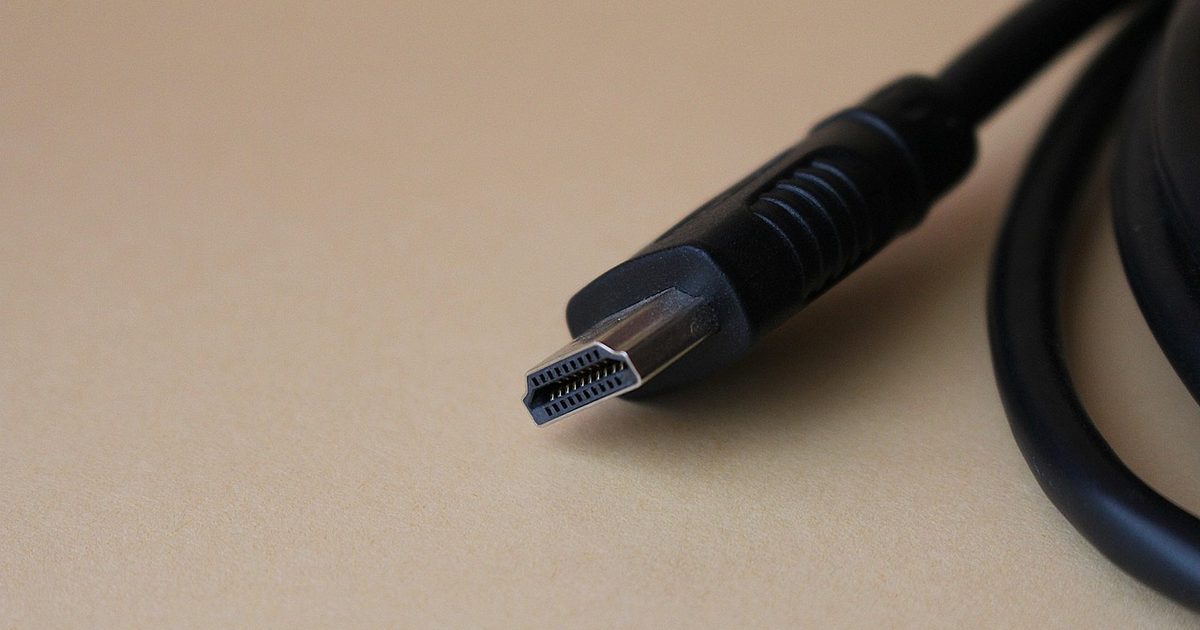
If a new console or graphics card will not switch on its sharpest picture mode, the cable is the easiest part of the setup to rule out and the first thing to check. The good news is that the decision is simpler than the shelf makes it look. The only thing that really matters is whether the cable is a certified Ultra High Speed HDMI cable, because that certification has to be tested for rather than just printed on a box. A certified cable is rated for the full 48Gbps of HDMI 2.1, and a dearer certified cable does not carry any more than that. So this is a short guide with two picks: one that names a little more headroom and reach, and one that does the same core job for less. What you are really paying for above the cheaper pick is length and fit, not speed.
Top picks
1. UGREEN HDMI 2.1 Cable Certified 2m - Best Overall
SPP Score: 8.7 / 10 - Certified HDMI 2.1 with 4K@240Hz headroom and eARC named for soundbars. Our all-round pick.
Capability 8.0/10 - Versatility 8.0/10 - Build 8.5/10 - Value 8.9/10 - Fit 9.8/10
Fit for this guide: The length and headroom most people want, with the HDMI 2.1 certification that is the whole point of this guide.
Every pick here is scored out of 10: four marks rate the product and are the same in every guide, and the fifth rates its fit for this guide - how we test and score.
This is the one to buy if you want to settle the question and not think about it again. UGREEN lists it as a certified HDMI 2.1 cable rated for 4K at up to 240Hz, with eARC and Dolby Atmos named for anyone running sound back to a soundbar. In plain terms it carries the same 48Gbps certification that is the whole decision here, with a bit of stated headroom on top and 2m of reach, which is enough to get from a console or an AV receiver to a TV that sits on a stand. Be honest with yourself about the headroom, though: a 4K@240Hz ceiling is beyond anything a TV or console on sale today will ask for, so treat it as reassurance rather than a feature you will use. The reason it leads is simpler than the spec sheet: it is a certified cable that reaches most setups. And if your laptop only has USB-C and the screen only takes HDMI, a straight cable is the wrong lead, and our USB-C to HDMI adapter guide covers that instead.
Pros
- ✓ Certified HDMI 2.1, so it carries the full 48Gbps the format allows and will not be the bottleneck on a 4K120 setup
- ✓ eARC and Dolby Atmos are named on the listing, which is the reassurance soundbar owners want from the cable
- ✓ 2m reaches a TV on a stand from a console or receiver without pulling the kit forward
Cons
- ✗ The 4K@240Hz ceiling is headroom no current TV or console will use, so you are not buying extra real-world speed
- ✗ At 2m it is still short for a wall-mounted TV, where a 3m run hides more easily
Who it's for: Anyone pairing a recent console, receiver or graphics card with a 4K120 or 8K TV who wants one certified cable that reaches and then forgets about it.
Who it's not for: People whose TV tops out at 4K60 or 1080p, who gain nothing visible from a 2.1 cable over the High Speed one they already own.
2. Amazon Basics HDMI Cable 48Gbps Certified Ultra High Speed 1.8m - Best Budget
SPP Score: 8.4 / 10 - The same 48Gbps certification as the overall pick, for less. Our value pick.
Capability 8.0/10 - Versatility 8.0/10 - Build 8.0/10 - Value 8.9/10 - Fit 8.9/10
Fit for this guide: A certified Ultra High Speed cable at 1.8m, ideal for a short run to a console or soundbar when the budget is tight.
You give up very little by going cheaper here. Amazon lists it as a 48Gbps Certified Ultra High Speed cable rated for 8K@60Hz and 4K@120Hz, which is the exact certification the overall pick carries, so for the 4K120 mode most people are actually chasing it is not the slower cable. At 1.8m it is a touch shorter than the overall pick, but that does not cost you a picture mode. Buy it when the run from the box to the TV is short, when you want a spare certified cable for a second room, or simply when you would rather not pay more for headroom you will never use. If you are not sure the cable you already own is a real 2.1 lead, our guide on how to tell if an HDMI cable is 2.1 shows the label and QR check that settles it.
Pros
- ✓ Carries the same 48Gbps Ultra High Speed certification as the overall pick, so it is not slower for a 4K120 console
- ✓ The listing names 8K@60Hz and 4K@120Hz support, which covers every mode a current console or TV sends
- ✓ Covers the Ultra High Speed certification, which is the one thing that actually decides whether the cable is enough
Cons
- ✗ It is Amazon's own-brand lead rather than one from a specialist cable maker, which some buyers prefer for an AV cable
- ✗ At 1.8m it is short for a wall-mounted TV, where the extra reach of a longer cable is easier to live with
Who it's for: Anyone making a short, fixed run to a console, soundbar or TV on a stand who wants the certification without paying for anything else.
Who it's not for: People who need a longer cable for a wall mount, or who would rather buy from a specialist cable brand than Amazon's own range.
Quick verdict
For most people the UGREEN HDMI 2.1 Cable Certified 2m is the easy call: it is certified HDMI 2.1, it reaches a TV on a stand, and it names eARC for soundbar setups. If the run is short or you would rather not pay for headroom you will not use, the Amazon Basics HDMI Cable 48Gbps Certified Ultra High Speed 1.8m carries the identical 48Gbps certification for less. Either one clears the only bar that matters. The thing that should decide between them is how far the cable has to reach, not which one is faster, because on the modes you will actually use they are the same.
How we chose
The certification is what everything else here turns on. The HDMI Forum rates a certified Ultra High Speed HDMI cable "for system configurations supporting up to 48Gbps maximum bandwidth", and that headroom is what carries the demanding modes a recent console or graphics card can send, such as 4K at 120Hz. A cable without that certification might manage it and might not, and a version number in a listing is only something a seller typed, so both picks here are certified and we did not consider anything that was not. After that the honest axes are length and fit, not speed: a longer certified cable is the one place more money genuinely buys you something useful, because a passive cable's grip on the full 48Gbps weakens with distance, so the sensible move is the shortest certified cable that reaches. A wall-mounted TV with little room behind it is the one case worth planning for, where a right-angle plug or a slightly longer run saves a strained cable. We show no prices, ratings or stock here; listings for a given cable can switch length or revision without warning, so each link opens the live Amazon listing, where you can read the Ultra High Speed name off the jacket and check the length before you buy.
FAQ
Q: Do I really need an HDMI 2.1 cable, or will the one I have work? A: Only once a source actually sends 4K120 or 8K and your screen can show it. Below that an existing High Speed cable holds nothing back, and the certified cable earns its place only when the kit at both ends can use the extra bandwidth.
Q: Is a more expensive HDMI 2.1 cable better than a cheap certified one? A: Not for bandwidth. Both picks here carry the same 48Gbps certification, so neither is faster on the modes you will actually use. What more money buys is length or fit extras like a right-angle plug, which are comfort and fit rather than performance, so match the cable to your run rather than to its price.
Q: What length of HDMI 2.1 cable should I buy? A: The shortest one that comfortably reaches. Holding the full 48Gbps gets harder the longer a passive cable runs, so a short certified lead is the safe choice; buy the extra length only if you need it, and for a wall-mounted TV plan the route before you pick the size.
Affiliate disclosure: This page contains affiliate links. As an Amazon Associate we earn from qualifying purchases, at no extra cost to you. See our disclosure page for details.